Bambu Lab A1 Custom Filament and Config Presets
Free, independently made Bambu Lab A1 (0.4mm nozzle) config and filament profiles by CTRL ALT & FIX.
These config files have been made by me after working out the best settings for my Bambu Lab A1 following many failed prints I've tried to make. Download, import, and start printing better. No guesswork required.
Free · Open source · Bambu Lab A1
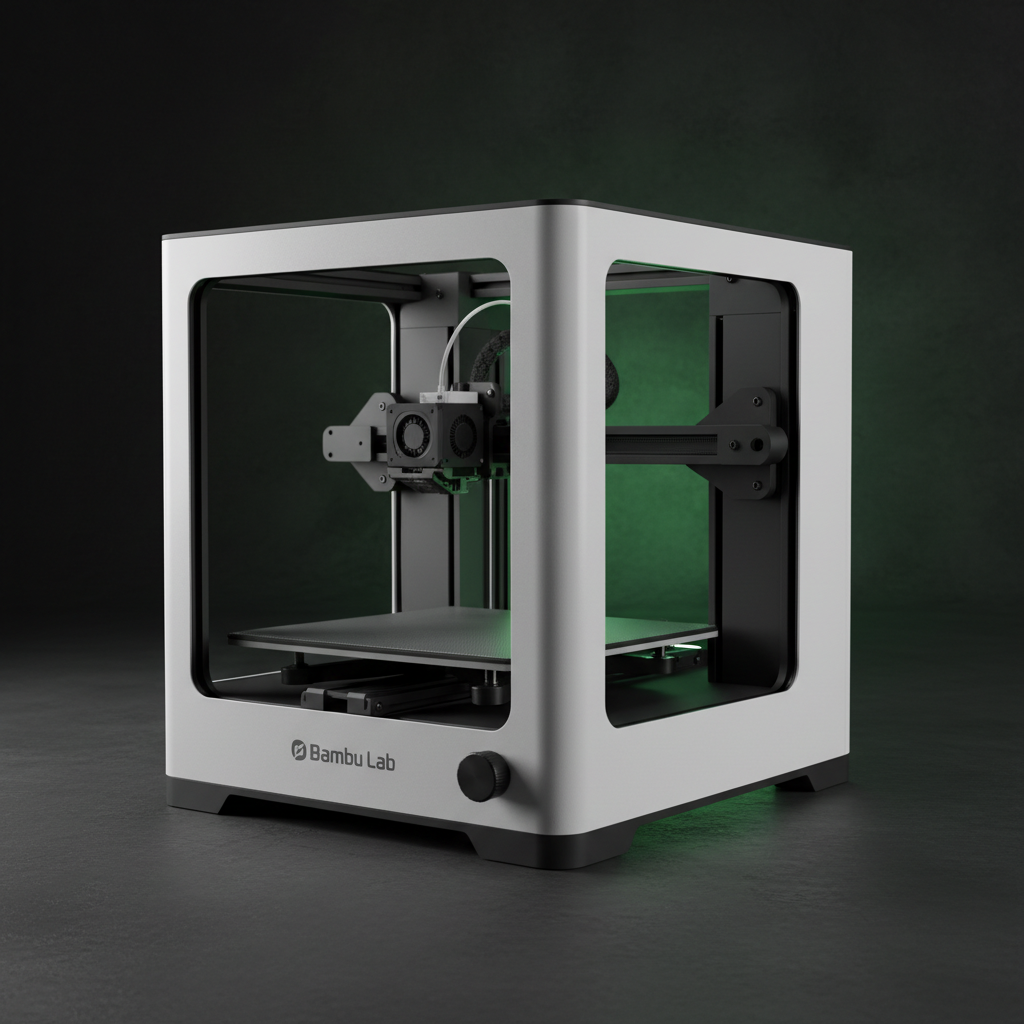
Two presets. Everything you need.
Both profiles are tuned specifically for the Bambu Lab A1 through real-world testing.
CTRLALT&FIX Filament
A carefully dialled-in filament profile covering every material setting your printer needs to lay down perfect lines every time.
- Print & bed temperature
- Retraction settings
- Flow rate calibration
CTRLALT&FIX Process
The full print process config — from how fast the head moves to how it handles supports and infill patterns.
- Print speed & acceleration
- Layer height settings
- Support & infill configuration
Three steps. That's it.
Download
Head to the GitHub repo and grab the latest preset files for the Bambu Lab A1.
Import into Bambu Studio
Open Bambu Studio → File → Import → Import Configs. Select the downloaded files.
Select the imported profile, slice your model, and enjoy better results right away.
Results may vary depending on your machine, filament brand, and environment. Always monitor your prints. These profiles are provided as-is. I take no responsibility for any damage to your printer or failed prints if using my profiles.