
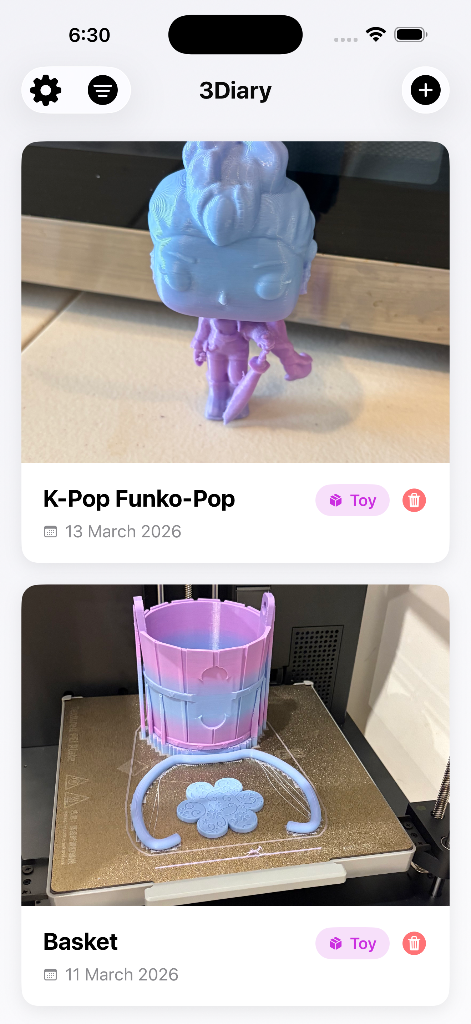
Everything you need to document your prints
Simple, thoughtful tools designed for makers who love keeping track of their work.
Photo Gallery
Snap beautiful photos of every print. Build a visual portfolio of your 3D creations over time.
Source Tracking
Save where each STL came from — Thingiverse, Printables, Cults3D, or your own designs.
Organized Archive
Sort and categorize prints by project, filament type, printer, or any way that works for you.
Quick Search
Instantly find any past print. Never lose track of that perfect model you printed months ago.
Tags & Notes
Add print settings, notes, and tags. Remember what worked and what to tweak next time.
Native iOS
Built specifically for iPhone with a fluid, native feel. Smooth animations and haptic feedback.
Three steps. That's it.
Snap a Photo
Take a photo of your finished print right from the app. Multiple angles welcome.
Add the Details
Paste the source link, add notes about settings, filament used, and any tags.
Build Your Archive
Watch your collection grow. Browse, search, and relive every creation you've made.